
Jilievo Download Guide: Android APK Installation, Unknown Sources Permissions & iOS PWA Setup
Mobile App Technical Guide • Tested on Android & iOS • Author: Mobile Architecture Team
Playing on the official Jilievo mobile application delivers faster reel spin response, push alerts for limited-time red envelope drops, and seamless GCash cashier authorization. This guide details how to install the Android APK safely and configure the iOS progressive web app without App Store roadblocks.
Android APK Download & Unknown Sources Configuration
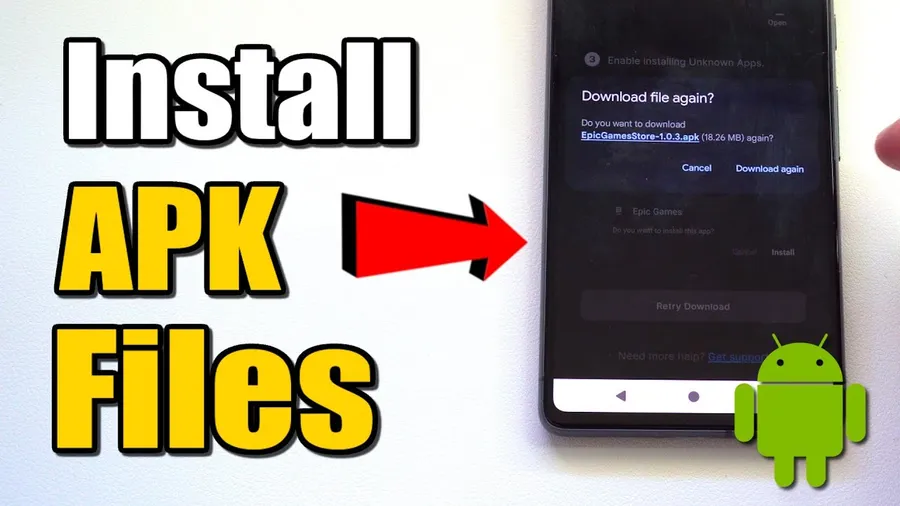
Because Google Play restricts direct real-money gaming app packages in certain regions, Android users install the official package directly via APK. Follow these instructions:

Tap the Download APK button below to fetch the verified installation package directly from our secure CDN server.
When prompted by Chrome or your file manager, open Settings → Apps & Notifications → Special App Access → Install Unknown Apps and toggle the switch to Allow from this source.
Tap the downloaded APK file in your notification bar and select Install. Once finished, launch the app icon from your home screen.
Apple iOS Safari Setup & Web Clip Configuration
For Apple iPhone and iPad users, the progressive web app provides native-speed performance without requiring external enterprise developer profiles:
| Step | Safari Action | Result |
|---|---|---|
| 1. Open Safari | Visit official portal in mobile Safari | Loads web lobby |
| 2. Tap Share | Press the blue square icon with upward arrow | Opens iOS actions menu |
| 3. Add to Home | Scroll down and select "Add to Home Screen" | Generates custom title |
| 4. Launch Icon | Tap Add in top right corner | Full-screen gaming app |
Key Advantages of Playing via the Mobile App
Pre-cached graphic textures for JILI and PG Soft reels.
Fingerprint & Face ID login support for faster access.
Instant notifications when GCash withdrawals clear.
Automated connection routing around ISP blocks.
Frequently Asked Questions About App Download
Yes, downloading the official Jilievo APK installation file is 100% free with zero hidden charges.
This is a standard Android OS security prompt for apps installed outside Google Play. The official Jilievo APK is verified malware-free.
Open the portal in Safari, tap the Share icon, and select 'Add to Home Screen' to create an instant Progressive Web App icon.
The app requires Android OS 6.0 or higher with 50MB of free space, or iOS 13.0 or higher for Apple devices.
The app notifies you with an in-lobby update prompt whenever a newer version is released. Tap Update to apply the patch seamlessly.